Create meaningful categories
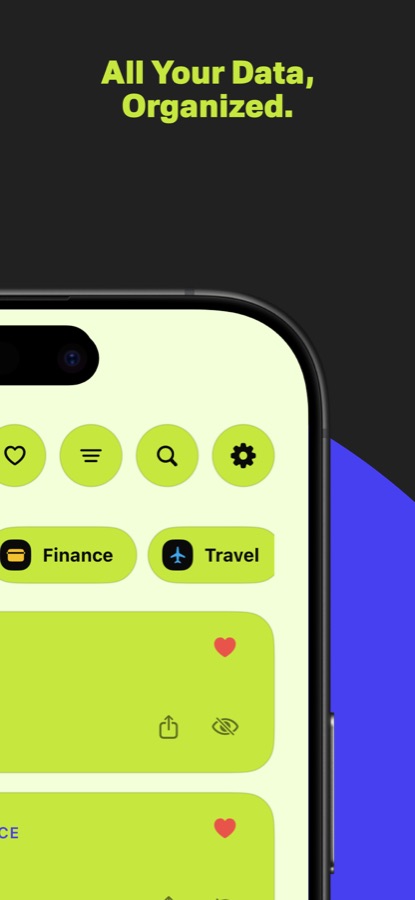
Group details using custom names, icons, and colors instead of forcing everything into a generic list.
 iKeep
iKeep
Private notes for iPhone
Membership numbers, recovery details, reference codes, and other personal notes need structure, privacy, and quick access. iKeep brings those needs together on Apple devices.
A calmer private notebook
Group details using custom names, icons, and colors instead of forcing everything into a generic list.
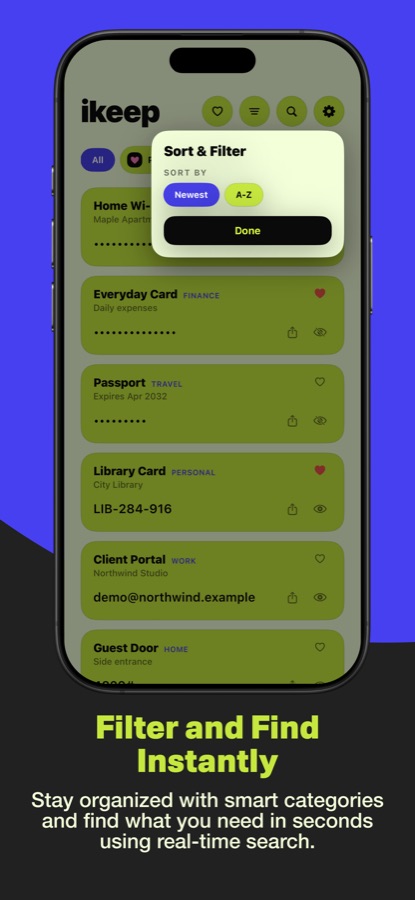
Search, favorite, filter, and sort your items. Hidden values stay out of view until you choose to reveal or copy them.
Open iKeep on iPhone or iPad, reach useful items from Apple Watch, and use widgets or iMessage.
Privacy by design
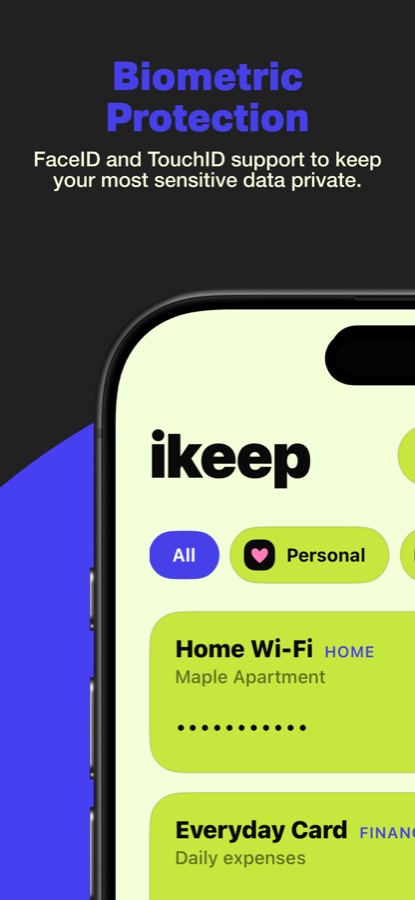
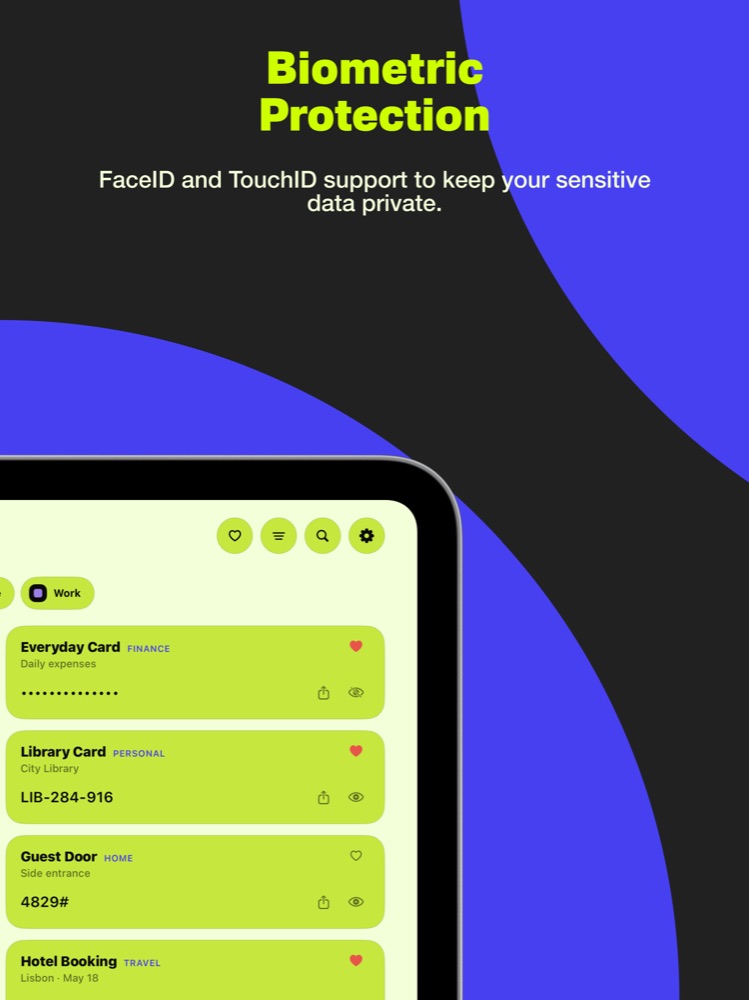
Sensitive values can be stored in Apple Keychain. Face ID or Touch ID can lock the app, while optional iCloud sync lets you choose whether to keep information available across devices.
This makes iKeep useful for private reference information you want nearby without leaving it exposed in an ordinary note.
Frequently asked questions
iKeep can store sensitive values in Apple Keychain and lock access with Face ID or Touch ID.
Yes. iCloud sync is optional, so you decide whether information should be available across your Apple devices.
iKeep supports iPhone and iPad, with access from Apple Watch plus widgets and iMessage features.