Organize your way
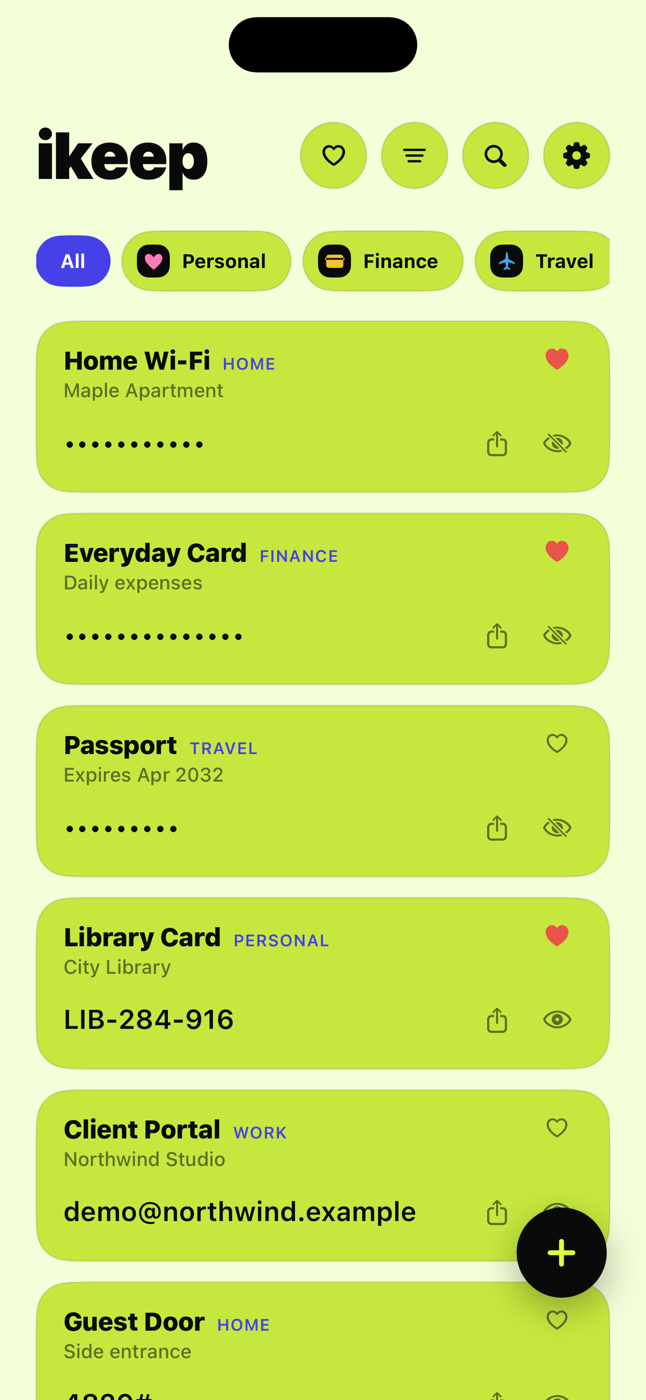
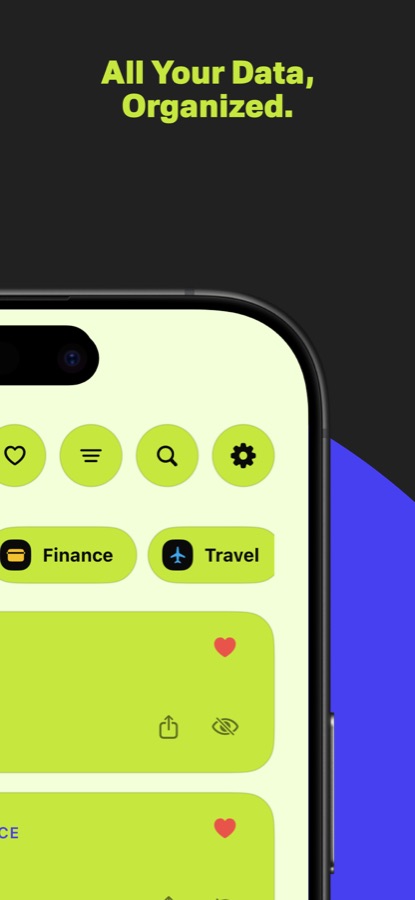
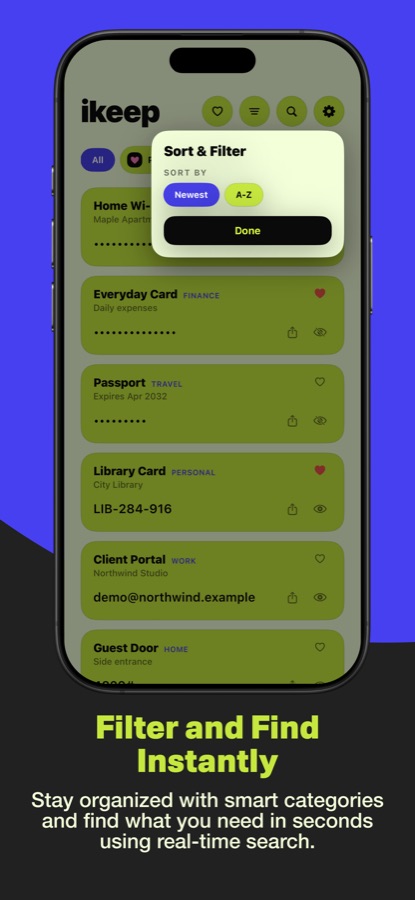
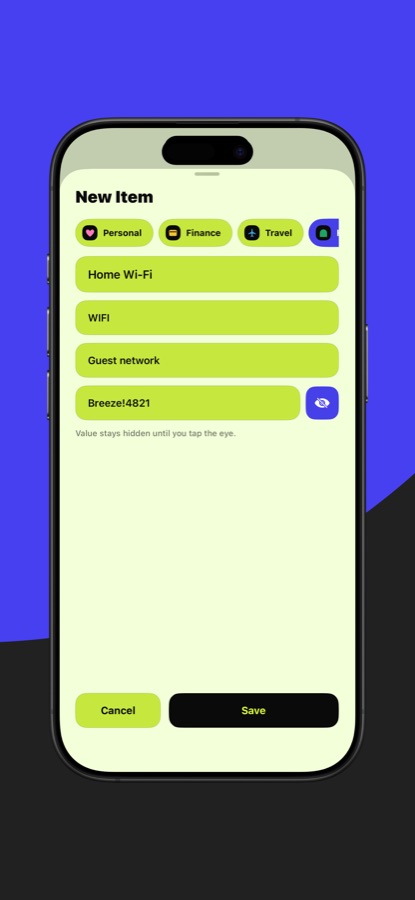
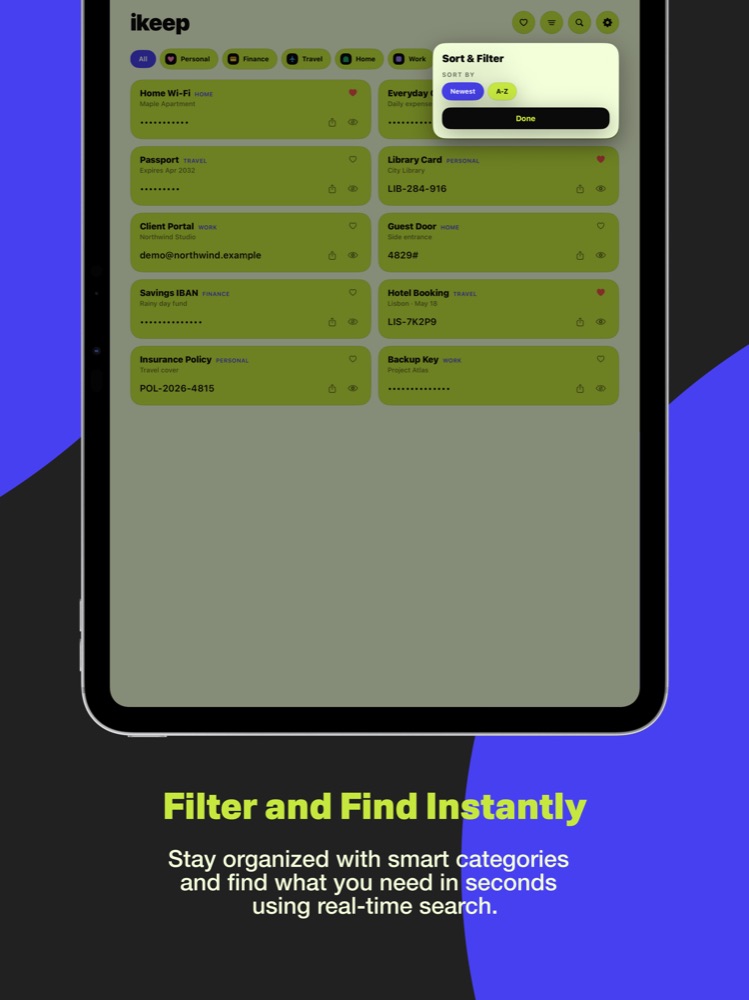
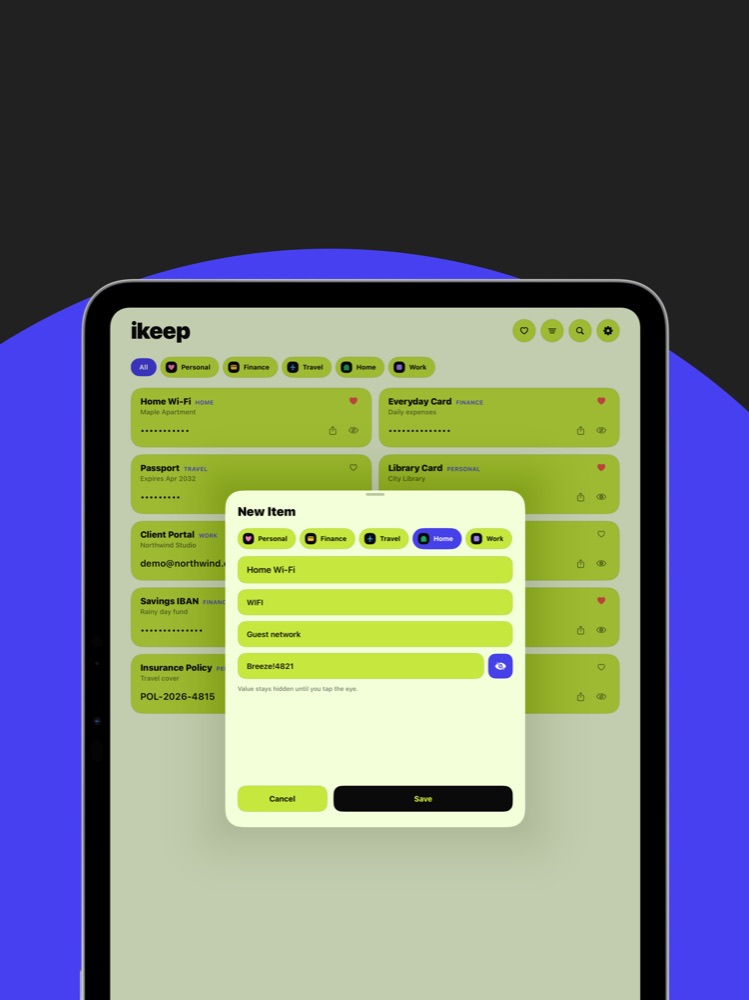
Create custom categories with your own icons and colors. Find anything fast with language-aware search, favorites, filters, and flexible sorting—then copy or share a value when you need it.
 iKeep
iKeepMeet iKeep 2.0 · Private by design
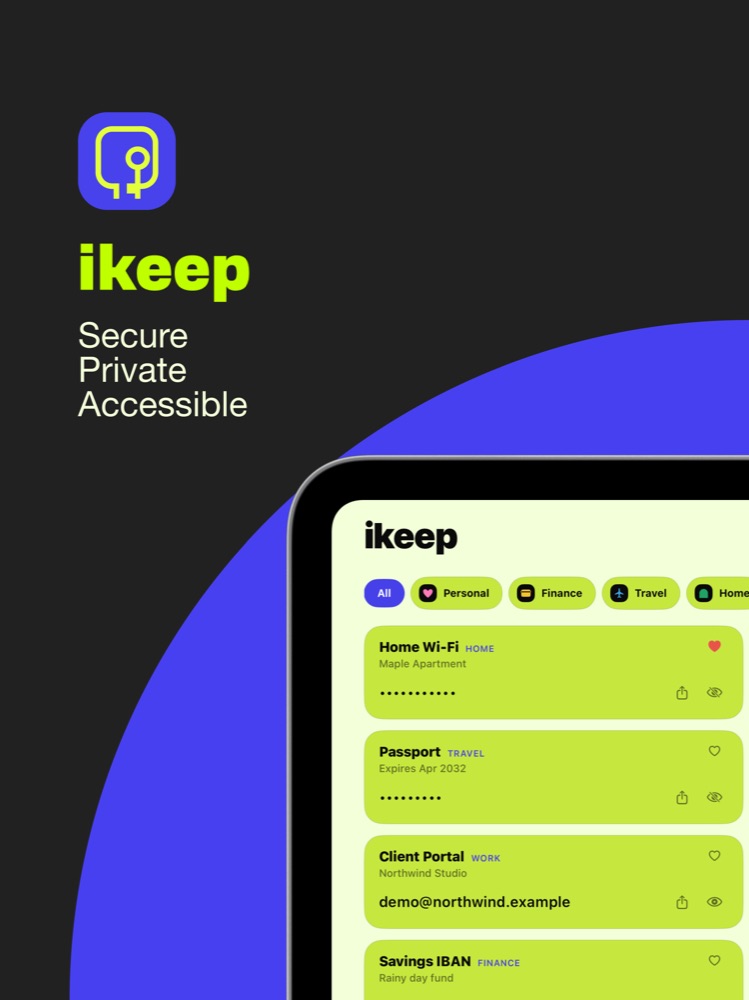
iKeep gives private notes and sensitive information a secure, beautifully organized home across iPhone, iPad, Apple Watch, widgets, and iMessage.
Requires iOS 15 or later. Optional iCloud sync.
Apple Keychain
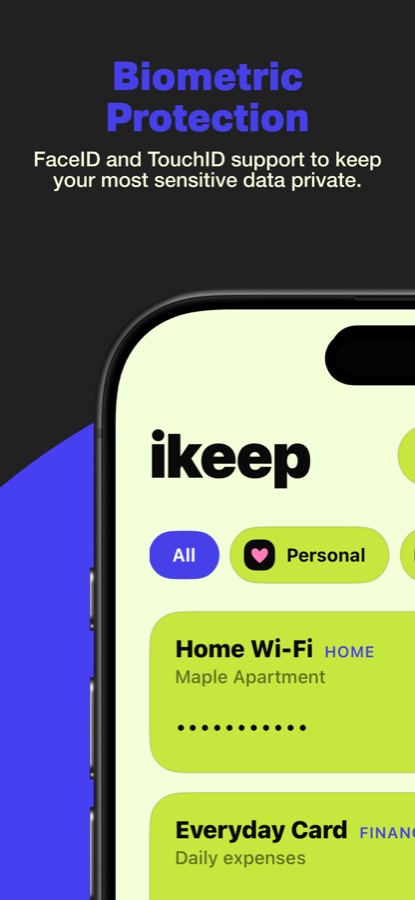
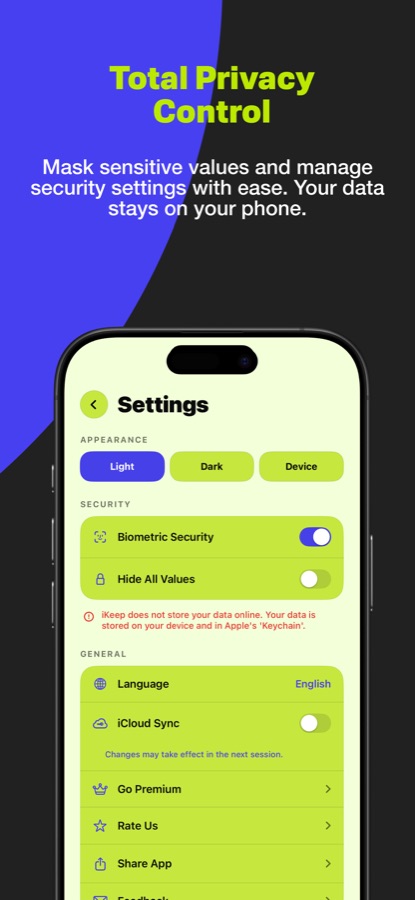
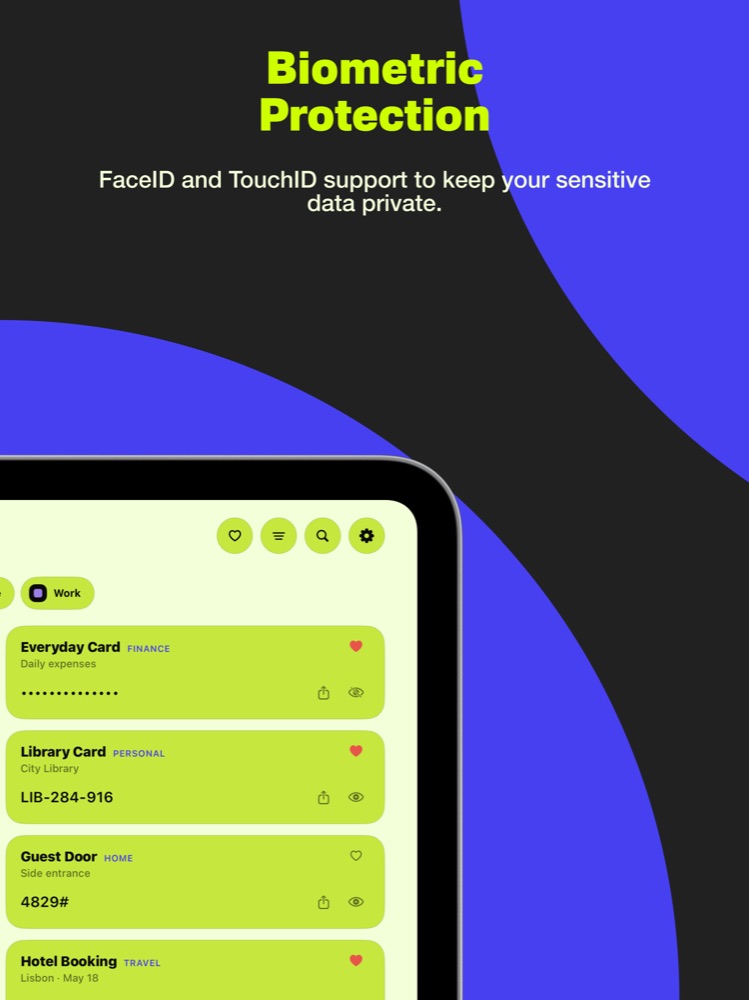
Face ID & Touch ID
Optional iCloud sync
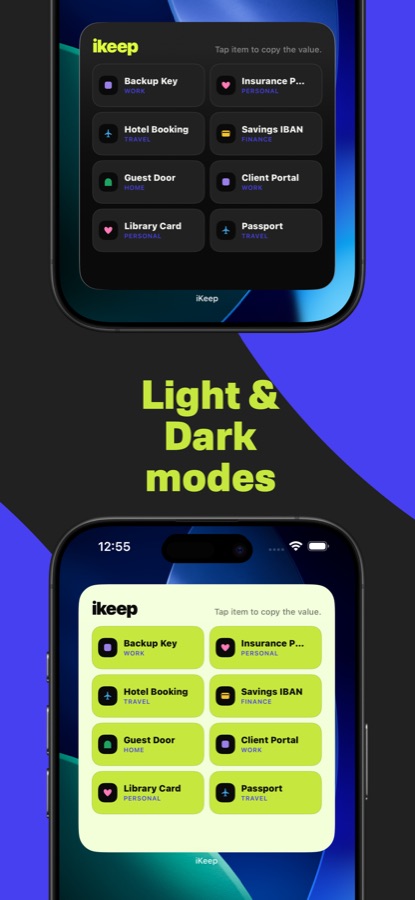
Light & dark appearance
Everything in its place
Create custom categories with your own icons and colors. Find anything fast with language-aware search, favorites, filters, and flexible sorting—then copy or share a value when you need it.
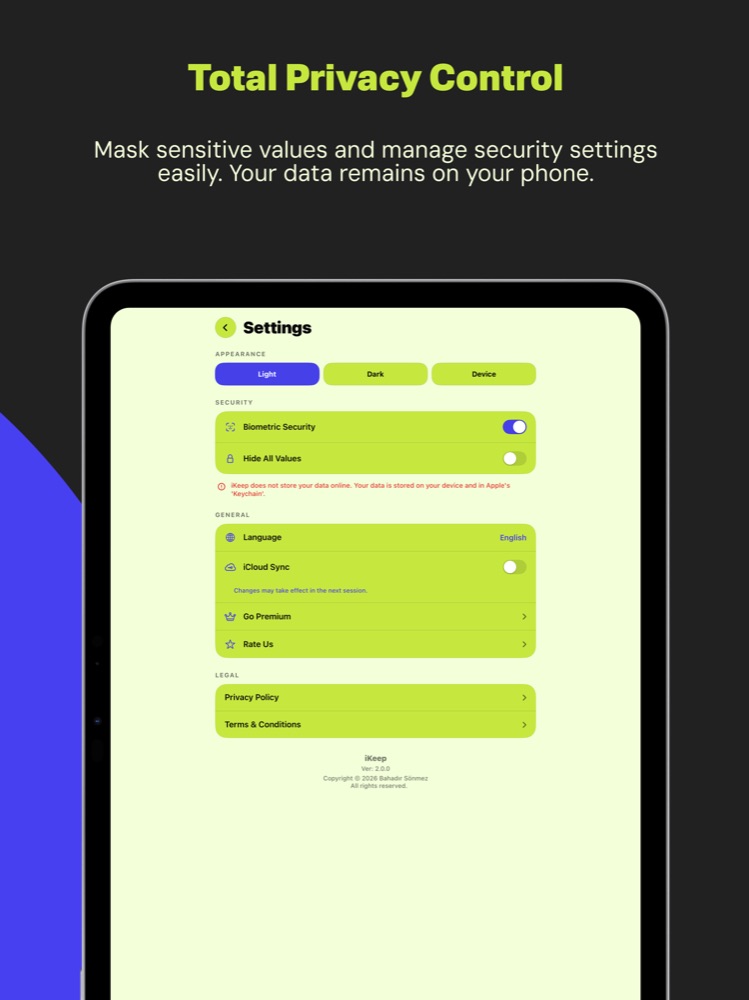
Store sensitive values in Apple’s Keychain, lock the app with Face ID or Touch ID, and keep values hidden until you need them.
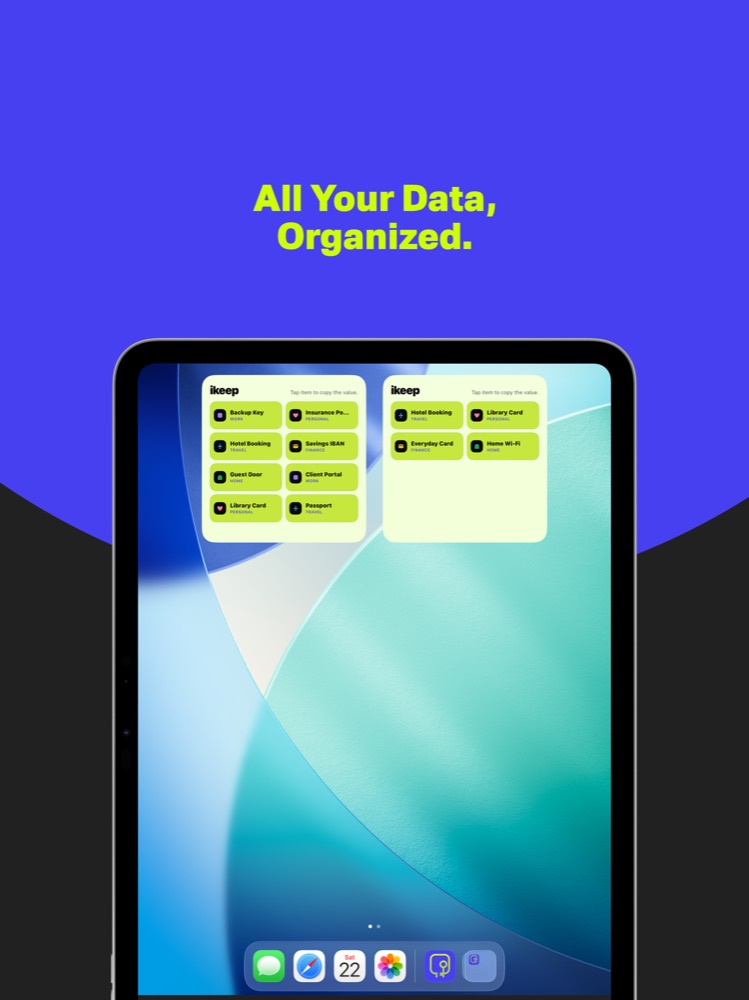
Browse and copy on iPhone and iPad, reach items from Apple Watch, use Home Screen widgets, or share through the iMessage extension.
Made for every screen
The redesigned 2.0 layout adapts to iPhone and iPad—with light, dark, and system appearance—without getting between you and your information. Drag either gallery to explore.
One private home
Use iCloud Sync when you want your information available across your Apple devices. Available in 33 languages.
Support
Questions, feedback, or an issue with iKeep? Include your device and iOS version when useful.